
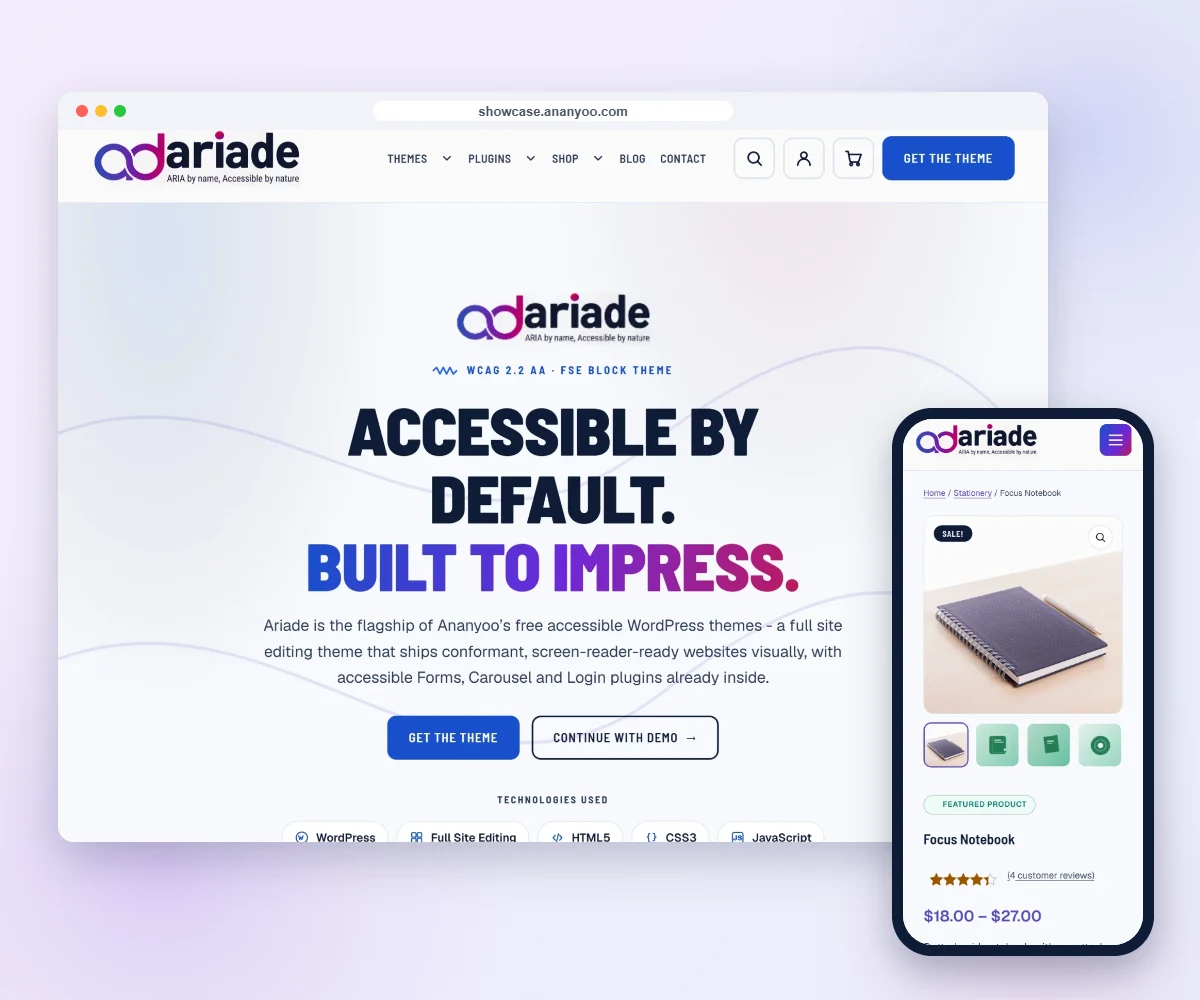
Featured product
Ariade Pro for WordPress
Pro add-on for the free Ariade WordPress theme: extra patterns, WooCommerce store templates, an Accessibility settings panel and a Listen (read aloud) button for your visitors, and priority support. Licence for 1 site, with 12 months of updates. Add the Setup Check for a manual accessibility check of your key pages, a written report and one re-check.
Product details
Everything about this productAriade Pro is a paid add-on for the free Ariade theme on WordPress.org. It adds 14 ready-made, accessible block patterns for shops and busy sites, an Accessibility settings panel for your visitors, and priority support from the team that built Ariade.
Choose your package
- Ariade Pro: the Ariade Pro plugin for 1 site, with 12 months of updates and priority support.
- Ariade Pro + Setup Check: everything in Ariade Pro, plus a manual accessibility check of your key pages once your own content is in, a written report with every issue and how to fix it, and one re-check.
7 store templates
- Store home page: hero, trust strip, shop by category and best sellers from WooCommerce
- Product sales page: photo, price, key points, features, questions and reviews
- Category header: photo banner, breadcrumb, intro and sub-category chips
- Sale banner: offer, end date, discount code and shipping note
- Cart and checkout trust strip
- Thank-you page
- My account welcome
7 business sections
- Team members
- Stats and numbers band
- Timeline
- Client logo wall
- Feature grid
- Case study page
- Accessibility statement page
Accessibility settings panel for your visitors
An "Aa" button in the top bar opens a panel where each visitor can switch on what helps them. It is the same panel as in the Ariade themes for Shopify and BigCommerce.
- Dyslexia-friendly font
- Larger text
- More text spacing
- Underline all links
- Reading guide
- Show image descriptions
- Simple mode
- Reduce motion
- High contrast
- Dark mode
- Pause all videos
Choices are saved on the visitor's own device and nothing is tracked. The panel can link to your accessibility statement, and it stays off until you switch it on.
Listen button
A Listen button reads the page aloud with the visitor's own browser voice: the page heading first, then the main content. The same button pauses and resumes, and a Stop button shows while it reads. It never starts on its own, and it stays hidden in browsers that cannot speak.
Both buttons sit in the top bar of the Ariade theme, before "Need help?", in the same place as in the Ariade themes for Shopify and BigCommerce. You can move them to the main header instead. If you switch the top bar off, they move to the header by themselves.
Built for accessibility
- Every pattern is built to WCAG 2.2 AA
- Tested with the keyboard and with screen readers
- Visible focus outlines and enough colour contrast
- Works from small phones to wide screens
- Made of normal WordPress blocks, so you change text, links and images in the editor without code
How the Setup Check works
Ariade and Ariade Pro ship accessible, but your own logo, colours, images and text can still add barriers. The Setup Check finds them before your visitors do, and leaves you with a written record of the work.
- Choose the Setup Check package, then install Ariade and Ariade Pro.
- Add your own logo, colours and content.
- Tell us your site address. Checkout already asks for it.
- The M/S. Anblik accessibility audit team checks your key pages by hand, with a keyboard and screen readers.
- You get a written report with every issue found and how to fix it.
- After you make the fixes, we check once more.
Requirements
- The free Ariade theme from WordPress.org
- WordPress 6.4 or later and PHP 7.4 or later
- WooCommerce, for the store home page pattern that shows live products
Licence, updates and support
- 1 site, with 12 months of updates and priority support
- No licence key: nothing stops working when the year ends, only updates and priority support stop until you renew
- GPL licence
After you buy
Your download link is shown straight after payment and is also emailed to you. In WordPress, go to Plugins, Add New, Upload Plugin, choose the zip file and activate it. Find the patterns in the block editor under Patterns, then "Ariade Pro". Switch on the Accessibility settings panel in Appearance, Ariade, card "Ariade Pro".
See it working
See every Ariade Pro pattern live (press "Aa" in the header there to try the accessibility panel) or read more on the Ariade for WordPress page.
| Package | Ariade Pro, Ariade Pro + Setup Check |
|---|