

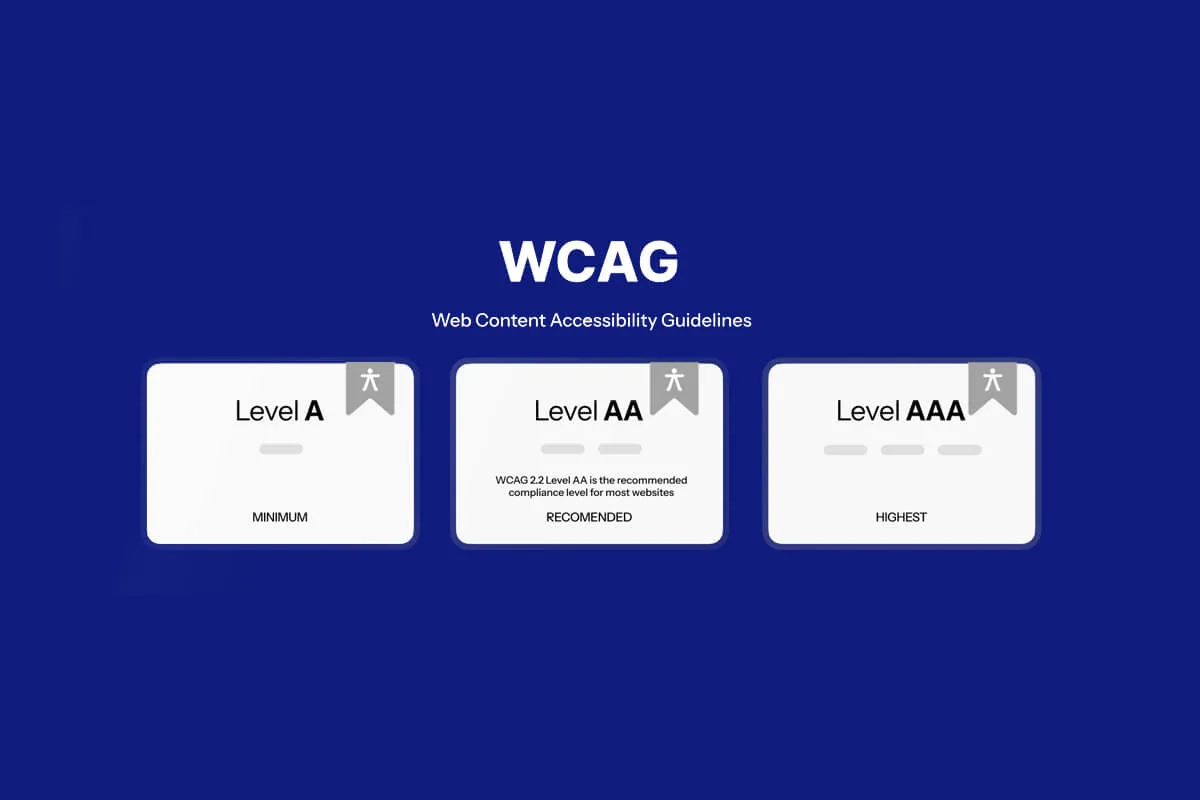
Why Common WCAG Violations Matter in Every Audit

Common WCAG violations turn up in almost every accessibility audit, and most of them are simple to fix once you can recognise them. WCAG provides a framework to make digital content perceivable, operable, understandable, and robust for all users. However, many organisations struggle to meet these standards, and accessibility audits reveal the same common WCAG violations again and again - the 13 below appear in almost every report we write. Understanding these violations is the first step toward building accessible digital experiences.
1. Missing or Improper Alternative Text for Images
One of the most common WCAG violations is the absence of alt text or the use of vague, non-descriptive text.
Why it matters: Screen readers rely on alt text to describe images to visually impaired users. Without it, critical information is lost.
Example: An image labelled “image123.jpg” provides no context. Instead, descriptive alt text like “Submit button with a paper plane icon” conveys meaning.
Solution: Ensure all meaningful images have descriptive alt text, while decorative images use empty alt attributes (alt="").
2. Poor Colour Contrast

Low contrast between text and background is one of the most common WCAG violations and continues to appear in audits.
Why it matters: Users with visual impairments, colour blindness, or low vision struggle to read content when the contrast is insufficient. Text that blends into its background can make navigation frustrating and even impossible for many users.
WCAG requirement: Text must have a contrast ratio of at least 4.5:1 for normal text and 3:1 for large text. Meeting these ratios ensures readability across diverse user groups.
Solution: Use tools like contrast checkers to validate colour choices and adjust palettes accordingly. Designers should test across devices and environments to confirm that chosen colours remain accessible in real-world scenarios.
3. Non-Descriptive Link Text
Links labelled “Click here” or “Read more” are problematic and remain one of the most common WCAG violations identified in audits.
Why it matters: Screen reader users often navigate by links alone, and non-descriptive text provides no context about the destination or purpose of the link. This lack of clarity can make it difficult for users to understand where the link will take them, leading to confusion and frustration.
Solution: Use meaningful link text that clearly describes the action or resource. For example, “Download the Accessibility Audit Checklist” is far more informative than “Click here.” Descriptive links improve usability, enhance SEO, and ensure that all users-including those using assistive technologies-can navigate content effectively.
4. Missing Form Labels and Instructions
Forms are critical for user interaction, yet missing labels are among the common WCAG violations we find on almost every contact page.
Why it matters: Users relying on assistive technologies cannot understand the purpose of form fields without labels.
Example: A text box without a label leaves users guessing whether it’s for “Name,” “Email,” or “Password.”
Solution: Use explicit labels and provide clear instructions, especially for required fields.
5. Inaccessible Multimedia Content
Videos and audio files frequently lack captions, transcripts, or audio descriptions.
Why it matters: Deaf or hard-of-hearing users cannot access spoken content without captions. Blind users may miss visual cues without audio descriptions.
Solution: Provide synchronised captions, transcripts, and audio descriptions for all multimedia.
6. Keyboard Navigation Failures

Many websites are not fully operable using only a keyboard, which is why keyboard failures rank high among common WCAG violations.
Why it matters: Users with motor disabilities or those who rely on assistive devices often navigate without a mouse.
Common issues: Missing focus indicators, inaccessible dropdown menus, or modal dialogues that trap focus.
Solution: Test navigation using only the keyboard and ensure all interactive elements are accessible.
7. Improper Heading Structure
Headings are often misused for styling rather than structure, and this mistake is one of the most frequently uncovered common WCAG violations in accessibility audits.
Why it matters: Screen readers use headings to provide a navigational outline of the page. When headings are applied inconsistently or out of order, users relying on assistive technologies encounter confusion. A skipped level or decorative heading can break the logical flow, making it harder to understand the hierarchy of information.
Solution: Use headings (<h1>, <h2>, <h3>) to reflect logical content structure rather than visual appearance. Ensure that heading levels follow a consistent hierarchy, starting with a single <h1> for the main title and descending in order. Proper structure improves readability, accessibility, and overall SEO performance.
8. Dynamic Content Without ARIA Support
Interactive elements like sliders, modals, or accordions often lack proper ARIA (Accessible Rich Internet Applications) attributes, which are essential for accessibility.
Why it matters: Screen readers cannot interpret dynamic changes without ARIA roles, states, and properties. When these attributes are missing or incorrectly applied, users relying on assistive technologies may not understand what has changed on the page, leading to confusion and navigation barriers.
Solution: Implement ARIA attributes correctly and test with assistive technologies. Ensure that dynamic components clearly announce changes, maintain focus order, and provide meaningful feedback to all users.
9. Time-Based Content Without Controls
Content that disappears or changes after a set time can exclude users and is a recurring entry in every list of common WCAG violations.
Why it matters: Users with cognitive or motor impairments may need more time to read or interact with content. If information vanishes too quickly, they may miss critical instructions or lose their place. This can create unnecessary stress and barriers to completing tasks.
Solution: Provide options to pause, stop, or extend time limits. WCAG requires that users be given control over time-based changes. Designers should test scenarios like auto-refreshing pages, rotating banners, or timed quizzes to ensure users can manage content at their own pace.
10. Missing Language Attributes
Web pages often fail to specify the primary language, which is a subtle but impactful accessibility violation.
Why it matters: Screen readers rely on language attributes to pronounce text correctly. Without them, users may hear mispronunciations or incorrect intonation, making comprehension difficult. This is especially problematic for multilingual websites where sections of text may switch languages.
Solution: Use the lang attribute (e.g., <html lang="en">) to define the page’s language. For multilingual content, apply language attributes to specific sections or phrases. Proper use of language attributes ensures accurate screen reader output, improves usability, and supports compliance with WCAG guidelines.
11. Complex Tables Without Proper Markup
Tables used for data presentation often lack headers or proper associations, creating confusion for assistive technology users.
Why it matters: Screen readers cannot interpret relationships between rows and columns without markup. Users may hear data read in isolation, without context, making it impossible to understand the table’s meaning.
Solution: Use <th> for headers and associate them with data cells using scope or headers attributes. For complex tables, ensure that markup clearly defines relationships. Simplify tables where possible, and provide summaries to explain their purpose. Proper markup ensures that tables remain accessible and understandable to all users.
12. Lack of Error Identification and Recovery

Forms often fail to provide clear error messages or recovery options, which is a major usability and accessibility issue.
Why it matters: Users may not understand why a form submission failed or how to correct mistakes. This can lead to frustration, abandonment, or repeated errors.
Solution: Provide descriptive error messages that highlight problematic fields and suggest corrective actions. For example, instead of “Invalid input,” use “Please enter a valid email address in the format name@example.com.” WCAG requires that errors be identified clearly and recovery options offered. Accessible error handling improves user confidence and reduces barriers to completing tasks.
13. Mobile Accessibility Issues
Responsive design does not always equal accessible design, and mobile accessibility problems are frequently overlooked, even though they are now among the most common WCAG violations on retail sites.
Why it matters: Small touch targets, inaccessible gestures, or content that doesn’t reflow properly can make mobile experiences frustrating for users with disabilities. Screen reader navigation may also fail if mobile layouts are not tested thoroughly.
Solution: Ensure mobile accessibility by testing across devices and following WCAG mobile guidelines. Provide sufficient touch target sizes, avoid relying solely on gestures, and confirm that content reflows correctly in both portrait and landscape modes. Mobile accessibility ensures inclusivity and usability for the growing number of users who primarily access content through smartphones.
Common WCAG Violations: Frequently Asked Questions
What are the most common WCAG violations?
Year after year, the WebAIM Million survey finds the same five on the majority of home pages: low-contrast text, missing alt text, missing form labels, empty links and empty buttons, and a missing document language. These common WCAG violations account for the large majority of all detected errors, and every one of them is quick to fix once found.
Are common WCAG violations detected by automated tools?
Partly. Tools such as axe, WAVE and Lighthouse catch contrast, alt text, labels and language attributes reliably, but they cannot tell whether an alt text is meaningful, whether the focus order makes sense or whether a modal traps the keyboard. Roughly a third of common WCAG violations need a human tester with a screen reader.
Which WCAG success criteria do these common WCAG violations fail?
Alt text fails 1.1.1, contrast fails 1.4.3, link text fails 2.4.4, form labels fail 1.3.1 and 3.3.2, captions fail 1.2.2, keyboard access fails 2.1.1 and 2.4.7, headings fail 1.3.1, ARIA fails 4.1.2, time limits fail 2.2.1, language fails 3.1.1, tables fail 1.3.1, error messages fail 3.3.1, and small touch targets fail 2.5.8 in WCAG 2.2. Our guide to WCAG conformance explains the levels behind these numbers.
Can common WCAG violations lead to lawsuits?
Yes. Most website accessibility complaints in the United States cite exactly these issues - missing alt text, keyboard traps and unlabelled forms - as the barriers that stopped a disabled customer. Read our post on website accessibility lawsuits to see what the complaints usually list.
How does Ananyoo help fix common WCAG violations in WordPress?
Our Ariade WordPress accessibility theme ships with WCAG-tested colour palettes, visible focus styles, a proper heading structure and the language attribute set automatically, and our accessible carousel, accessible login and accessible forms plugins cover the interactive parts. That removes most common WCAG violations at the template level, so editors only need to look after alt text and link wording.
✅ Conclusion
Accessibility audits consistently reveal these common WCAG violations, but they are preventable with proactive design and testing. By addressing issues such as missing alt text, poor colour contrast, and inaccessible multimedia, organisations can create inclusive digital environments.
At Ananyoo, we emphasise accessibility as a cornerstone of digital success. Our audits are run by a DHS Trusted Tester with IAAP-certified colleagues, and our accessibility-ready themes and plugins are built to avoid these common WCAG violations in the first place. Accessibility is not just about meeting WCAG, it’s about empowering every user to engage fully with your digital content.
Want to know which common WCAG violations are on your own site? Follow our web accessibility audit checklist, read our web accessibility case study, and see our accessibility-ready themes and WordPress accessibility plugins. Learn more at ananyoo.com.
