

Introduction
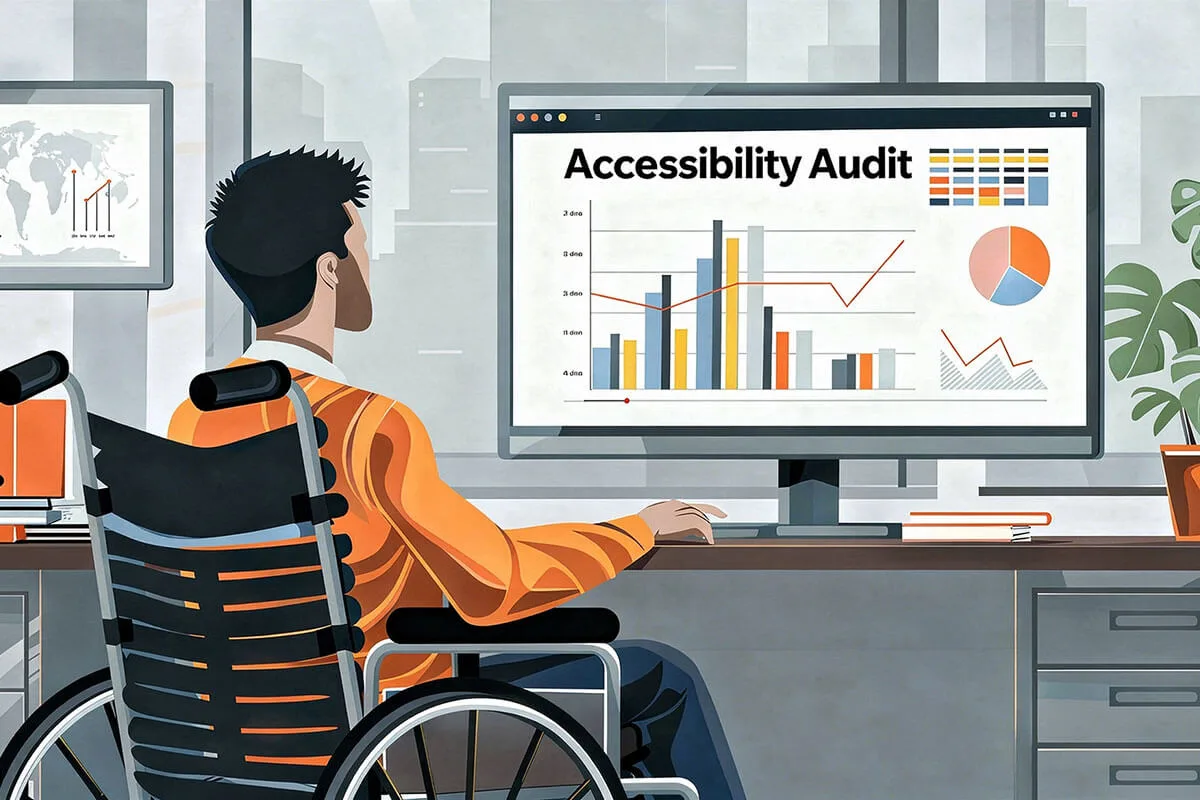
This web accessibility audit checklist verifies that your site meets WCAG standards and is usable by people with diverse abilities. This web accessibility audit checklist walks you through scoping, automated scans, manual testing with assistive technologies, and practical remediation steps. Use it to identify barriers, prioritize fixes by risk and impact, and produce a clear, actionable report that development teams can implement to make your digital experience inclusive and compliant.
Looking for the success criteria themselves rather than the audit process? The WCAG checklist lists all 55 Level A and AA criteria in plain English, with how to check each one, the failure found most often, and a printable PDF. This page covers the other half of the work: scoping, tools, manual testing with assistive technology, and the report.
Why a Web Accessibility Audit Checklist Is Important
Web accessibility audits matter for ethical, legal, business, and usability reasons. Ethically, they ensure people with disabilities can access information and services on equal terms. Legally, many jurisdictions require digital accessibility, and audits reduce the risk of complaints or litigation. From a business perspective, accessible sites reach more users, improve SEO, and reduce customer support costs. Practically, audits reveal usability problems that affect everyone, not just assistive technology users, and they create a prioritized roadmap for continuous improvement.
Why do audits matter legally and practically?
- Laws reference standards rather than prescribe audits. Most regulations do not literally say “you must run an audit,” but they require digital services to meet accessibility standards such as WCAG, which auditors test against. Regulators and courts commonly treat documented testing and remediation as evidence of due diligence.
- Jurisdictional variation is significant. Public sector bodies in the EU and many countries face explicit accessibility obligations; in the U.S., the ADA has been interpreted to apply to websites and apps, and federal rules (Section 508) mandate accessibility for government systems and vendors. Organizations should identify which laws apply based on region and sector.
- Audits support risk management. Audits produce objective findings-automated scans, manual checks, and functional testing with people who use assistive technology-that create a prioritized remediation plan. This documentation helps defend against complaints, demand letters, or litigation and demonstrates a proactive compliance effort.
Practical implications for organizations
- If you serve the public or receive government funds, assume stronger obligations. Public institutions and many funded entities are often required to meet accessibility standards and publish conformance statements.
- Private companies should treat audits as best practice. Even where laws are ambiguous, audits reduce exposure to legal claims and unlock business benefits-broader market reach and improved UX.
- A complete audit combines three layers: automated scanning, expert manual review, and functional testing with users who have disabilities; relying on automated tools alone is insufficient.
Recommended next steps
- Determine applicable laws and target WCAG level (commonly WCAG 2.1 AA).
- Commission or run a full audit that includes manual and functional testing, not just automated scans.
- Document findings and implement a remediation roadmap with re-testing to show continuous improvement, using this web accessibility audit checklist as the baseline for every re-test.

Web Accessibility Audit Checklist: Preparation
Define Scope and Objectives
- Scope: List domains, sub-domains, page templates, document types, and third-party integrations to include.
- Priority pages: Identify high-traffic pages, transactional flows (login, checkout), and legally sensitive content.
- Standards target: Specify the WCAG version and conformance level (for example WCAG 2.1 AA).
- Stakeholders: Record contacts for the product, design, development, content, QA, and legal teams.
- Timeline and deliverables: Set milestones for discovery, testing, draft report, remediation, and re-test.
Gather Assets and Access
- Credentials and environments: Secure staging URLs, test accounts, and admin access where needed.
- Design artifacts: Collect wireframes, style guides, component libraries, and design tokens.
- Content inventory: Export lists of pages, PDFs, images, multimedia, and third-party embeds.
- Assistive technology: Prepare screen readers, magnifiers, alternative input devices, and mobile devices for manual testing.
Define Success Criteria and Risk Model
- Acceptance criteria: Map WCAG success criteria to your organization’s pass/fail definitions.
- Severity levels: Use a triage system (Critical, Major, Minor) to prioritize remediation.
- Legal and business risk: Flag pages with regulatory impact or revenue exposure for immediate attention.
- Communication plan: Define reporting format, ticket templates, and who validates fixes before sign-off.
Web Accessibility Audit Checklist: Automated Testing
Select and run multiple tools
- Tool selection: Use at least two automated scanners such as Axe, Lighthouse, and WAVE to increase coverage.
- Crawl configuration: Configure crawlers to follow links, handle authentication, and respect robots rules.
- Baseline export: Save raw results grouped by page, component, and rule for later triage.
Common automated checks
- Missing alt attributes for images.
- Invalid or misused ARIA roles, states, or properties.
- Missing or incorrect form labels.
- Low color contrast warnings.
- Missing document language declarations.
- Duplicate IDs and invalid HTML semantics.
- Focusable elements without visible focus styles.
Limitations and verification
- Automated tools typically detect only about 30-50 percent of WCAG issues, which is why the manual half of this web accessibility audit checklist matters most.
- Manually verify automated findings to remove false positives.
- Integrate automated checks into CI pipelines to catch regressions early.
Web Accessibility Audit Checklist: Manual Testing

Keyboard accessibility
- Verify a logical, predictable tab sequence and visible focus indicators for all interactive elements.
- Ensure all features are operable via keyboard alone using Tab, Enter, Space, and Arrow keys.
- Test skip links and ARIA landmarks for quick navigation.
Screen reader testing
- Test with NVDA on Windows, VoiceOver on macOS and iOS, and TalkBack on Android.
- Confirm content is announced in a logical reading order and that headings, lists, and landmarks are meaningful.
- Ensure form labels, hints, and error messages are announced and programmatically associated with inputs.
- Use ARIA only when native semantics are insufficient and verify live regions announce updates correctly.
Visual and cognitive accessibility
- Measure text and UI contrast against WCAG thresholds for normal and large text.
- Ensure information is not conveyed by color alone; add icons or text labels where needed.
- Check for plain language, clear headings, and predictable navigation.
- Verify error prevention and recovery mechanisms, including clear, actionable error messages.
Multimedia and interactive content
- Confirm captions for videos and transcripts for audio content.
- Provide audio descriptions for essential visual information when required.
- Ensure media controls are keyboard accessible and that captions are synchronized.
Forms, dynamic content, and semantics
- Ensure label elements are programmatically linked to inputs, and placeholders are not used as labels.
- Move focus to errors and announce them via ARIA or native mechanisms.
- Use ARIA live regions for dynamic updates and verify announcements with screen readers.
- Maintain a logical heading hierarchy and include semantic landmarks such as main and nav.
Mobile and responsive checks
- Test across viewport sizes and orientations.
- Verify touch targets meet minimum size and spacing guidelines.
- Test with mobile screen readers and platform gestures to ensure native accessibility patterns are respected.
Document and PDF accessibility
- Ensure PDFs are tagged, have a logical reading order, and include alt text for images.
- Provide HTML or other accessible alternatives when possible.
Web Accessibility Audit Checklist: Reporting, Remediation and Monitoring

Create an actionable audit report
- Executive summary: Provide a high-level compliance status, major risks, and recommended priorities.
- Detailed findings: For each issue include page URL, element selector, WCAG criterion, severity, reproduction steps, and suggested fix.
- Evidence: Attach annotated screenshots, screen reader audio clips, and short video captures where helpful.
- Code examples: Offer sample code snippets or component fixes to accelerate developer implementation.
Prioritize and hand off fixes
- Quick wins: Address low-effort, high-impact items first such as missing alt text, labels, and contrast issues.
- Critical flows: Prioritize login, checkout, and legal pages.
- Component remediation: Fix shared components in the design system to prevent repeated issues.
- Developer support: Provide ticket templates with acceptance criteria and offer pairing sessions for complex fixes.
Verification and re-testing
- Re-run automated scans and manual checks after remediation.
- Confirm each ticket meets the defined WCAG pass criteria before closing.
- Obtain stakeholder sign-off and update compliance documentation.
Ongoing monitoring
- Integrate accessibility checks into the software development lifecycle with pre-merge tests and release sign-offs.
- Include people with disabilities in usability testing and maintain accessible feedback channels.
- Schedule periodic audits and track metrics such as remediation velocity, recurring issue types, and accessibility debt.
Web Accessibility Audit Checklist: Frequently Asked Questions
What is a web accessibility audit checklist?
A web accessibility audit checklist is a structured list of checks - automated, manual and assistive technology tests - that an auditor works through to measure a site against WCAG. It keeps the audit repeatable, so two auditors testing the same page reach the same findings, and it gives developers a clear list of what to fix and in which order.
How long does a web accessibility audit checklist take to complete?
For a typical business site with 10-15 representative templates, working through this web accessibility audit checklist takes three to five working days: one day for scoping and automated scans, two to three days for manual and screen reader testing, and a day for the report. Large applications and e-commerce sites take longer because of the number of interactive flows.
Which WCAG level should the web accessibility audit checklist target?
WCAG 2.1 AA is the level referenced by most laws and procurement rules, and WCAG 2.2 AA adds nine newer criteria such as focus appearance and dragging alternatives. We recommend auditing against WCAG 2.2 AA so that your web accessibility audit checklist stays valid as regulations update. Read our guide on WCAG conformance for the differences between the levels.
Can I run a web accessibility audit checklist with free tools only?
You can run the automated part with free tools - axe DevTools, WAVE and Lighthouse - and the manual part needs only a keyboard and a free screen reader such as NVDA. What free tools cannot replace is experience: judging whether alt text is meaningful, whether focus order makes sense, or whether an error message is understandable needs a trained tester. That is why every Ananyoo web accessibility audit checklist is run by a DHS Trusted Tester with IAAP-certified colleagues.
What should the report from a web accessibility audit checklist contain?
Each finding should list the page URL, the element, the WCAG criterion, the severity, the steps to reproduce and a suggested fix, plus a short summary that tells management the overall risk. Our web accessibility case study shows the format we use, and our post on technical vs content accessibility explains how we assign each finding to the right team.
✅ Conclusion
Ananyoo provides comprehensive web accessibility audits - run by a DHS Trusted Tester and IAAP-certified colleagues - that follow this web accessibility audit checklist and combine automated scans, manual testing, and user validation to identify barriers and prioritize fixes. Ananyoo helps organizations reduce legal risk, improve usability, and promote inclusive design by embedding accessibility into design systems, CI pipelines, training, and ongoing testing for measurable, continuously sustained improvement.
Want this web accessibility audit checklist applied to your own site? See a real audit in our web accessibility case study, learn how to make a website accessible, and explore our accessibility-ready themes and WordPress accessibility plugins that pass these checks out of the box. Learn more at ananyoo.com.
