


Introduction
Accessibility overlays have become a popular quick-fix solution for websites aiming to meet accessibility standards. These tools promise compliance and improved usability with minimal effort. However, their effectiveness remains a subject of debate among developers, businesses, and users with disabilities. This article explores the pros and cons of accessibility overlays, helping you understand whether they truly deliver on their promises.
What Are Accessibility Overlays?
Accessibility overlays are software tools or plugins designed to make websites appear more accessible by automatically adjusting certain elements. They are typically installed as widgets or scripts that sit on top of a site’s existing code. The goal is to provide users with immediate accessibility options without requiring a full redesign of the website.
Common features offered by overlays include:
- Text resizing and contrast adjustments to improve readability.
- Screen reader compatibility enhancements that attempt to make content easier to interpret.
- Keyboard navigation support for users who cannot rely on a mouse.
- Automated compliance checks that claim to align websites with ADA and WCAG standards.
While overlays aim to simplify accessibility, they differ significantly from manual accessibility audits and inclusive design practices. Manual audits involve reviewing a site’s structure, code, and usability to ensure accessibility is built into the foundation. Inclusive design focuses on creating websites that are inherently usable by people with diverse abilities, rather than relying on external tools.
In essence, overlays provide a quick-fix solution but often fail to address deeper accessibility issues. They can be useful as temporary aids, yet true accessibility requires thoughtful design and ongoing testing with real users.

✅Pros of Accessibility Overlays
- Quick Implementation
- Easy to install with minimal technical expertise.
- Provides immediate accessibility features without redesigning the site.
- Useful for small businesses lacking dedicated accessibility teams.
- Cost-effective in the Short Term
- Lower upfront costs compared to full accessibility audits.
- Subscription models make overlays financially accessible.
- Helps businesses meet basic compliance requirements quickly.
- Automated Adjustments
- Offers instant fixes for text size, color contrast, and navigation.
- Provides users with customizable accessibility settings.
- Reduces reliance on developers for minor accessibility tweaks.
- Legal Risk Mitigation (Partial)
- Some overlays claim to reduce exposure to lawsuits under ADA or WCAG guidelines.
- Acts as a temporary safeguard while businesses work on long-term accessibility solutions.
❌Cons of Accessibility Overlays

- Limited Effectiveness
- Overlays often fail to address deeper accessibility issues in spite structure.
- Automated fixes may not work consistently across devices and browsers.
- Users with disabilities frequently report poor experiences despite overlays.
- False sense of Compliance
- Businesses may assume overlays guarantee full ADA or WCAG compliance.
- In reality, overlays rarely meet all accessibility standards.
- Risk of legal challenges remains if accessibility is not genuinely integrated.
- User Experience Challenges
- Screen readers may conflict with overlay features.
- Overlays can introduce bugs or interfere with site functionality.
- Users often find overlays intrusive or difficult to use.
- Accessibility Community Criticism
- Many disability advocates argue overlays are “band-aid solutions.”
- They prioritize compliance over genuine usability.
- Overlays may discourage businesses from investing in inclusive design.
⚖️Accessibility Overlays vs. True Inclusive Design
Inclusive Design Focuses On:
- Building accessibility into the website’s foundation.
- Ensuring semantic HTML, proper ARIA labels, and logical navigation.
- Testing with real users who rely on assistive technologies.
Why Inclusive Design Wins Long-Term:
- Provides consistent accessibility across all platforms.
- Reduces reliance on third-party tools.
- Builds trust with users and avoids reputational risks.
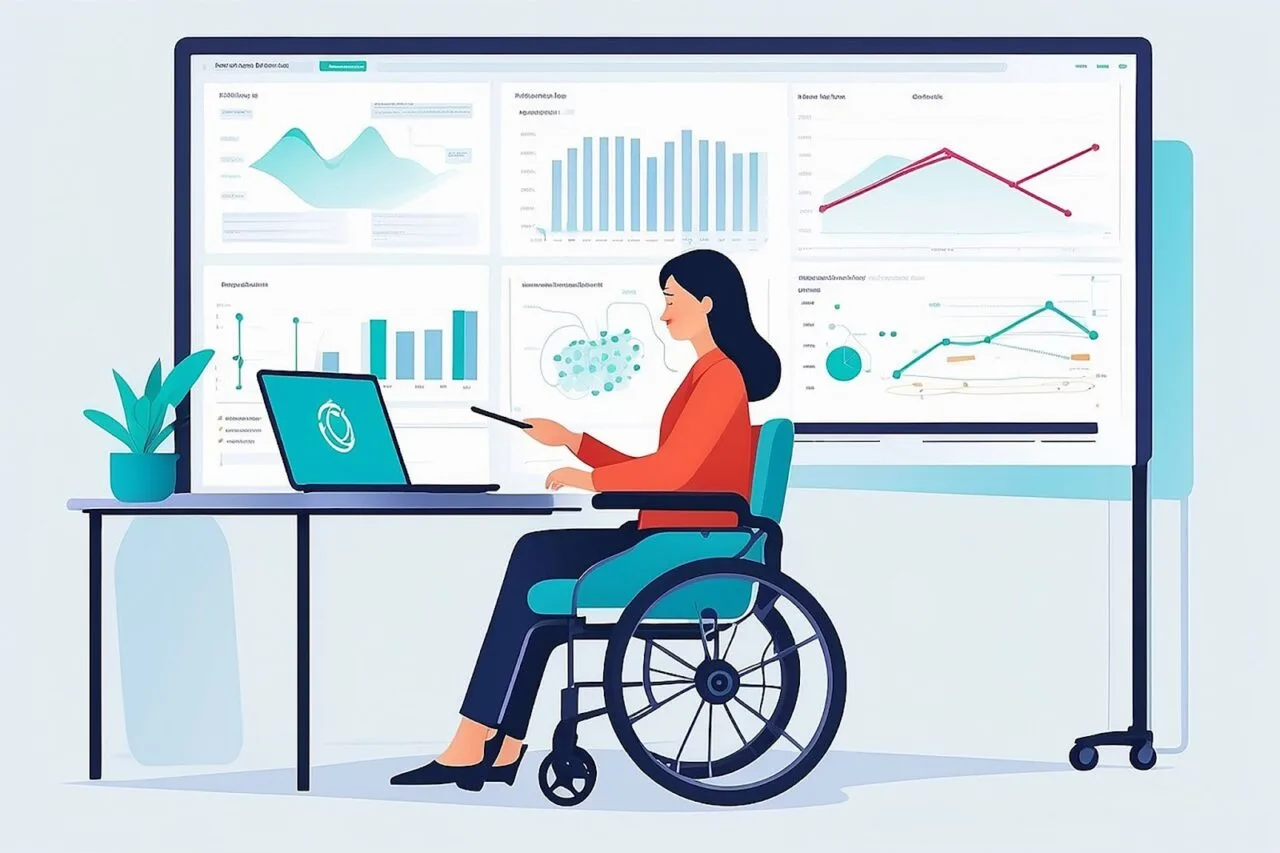
👥Accessibility Overlays: Pros and Cons for Different Stakeholders
For Businesses
- Pros: Quick compliance, cost savings.
- Cons: Risk of lawsuits, poor user feedback.
For Developers
- Pros: Easy to implement, minimal coding required.
- Cons: Overlays may conflict with site code, limit customization.
For Users with Disabilities
- Pros: Immediate access to basic features.
- Cons: Inconsistent usability, frustration with intrusive tools.
🏛️Legal Implications of Accessibility Overlays
- Overlays do not guarantee protection against ADA lawsuits.
- Courts increasingly recognize that overlays fail to provide genuine accessibility.
- Businesses relying solely on overlays may face reputational and financial risks.
🔄Alternatives to Accessibility Overlays
- Conduct manual accessibility audits.
- Follow WCAG guidelines during design and development.
- Use semantic HTML and proper ARIA attributes.
- Test websites with assistive technologies like screen readers.
- Involve users with disabilities in usability testing.
📅Accessibility Overlays: Pros and Cons in 2026
- Pros: Faster adoption, more advanced AI-driven overlays emerging.
- Cons: Still criticized for failing to deliver genuine accessibility.
- Trend: Businesses increasingly combine overlays with manual audits for hybrid solutions.
🏢Companies Providing Accessibility Overlays
Several companies specialize in accessibility overlays, offering automated tools that claim to improve compliance and usability:
- AccessiBe-Known for its AI-driven overlay widget that automatically adjusts websites for ADA and WCAG compliance.
- User way-Offers a customizable accessibility widget with features like text resizing, color contrast, and keyboard navigation.
- EqualWeb-Provides a hybrid solution combining overlays with manual accessibility audits.
- AudioEye-Delivers overlays alongside monitoring and remediation services, marketed to reduce legal risks.

🛍️Companies Using Accessibility Overlays
Accessibility overlays are widely adopted across industries, though their effectiveness remains debated. Several organizations and sectors rely on these tools for quick compliance and user-facing accessibility features:
- UNICEF, eBay, Coca-Cola → These global organizations are known to have implemented UserWay’s overlay widget. The tool provides features such as text resizing, color contrast adjustments, and keyboard navigation. For large enterprises, overlays offer a fast way to demonstrate accessibility efforts across multiple platforms.
- Small and Mid-Sized Businesses → Many smaller companies frequently adopt AccessiBe. Its AI-driven overlay is marketed as a plug-and-play solution, making it appealing to businesses without dedicated accessibility teams. The promise of instant ADA and WCAG compliance is a major draw for this group.
- Educational Institutions and Government Sites → Some universities and public sector websites use EqualWeb, which combines overlays with manual accessibility audits. This hybrid approach allows them to balance quick fixes with more thorough compliance strategies.
Retail and Publishing Companies → Several retailers and publishers rely on AudioEye. Its overlay tools are paired with monitoring and remediation services, helping organizations manage accessibility risks while maintaining large-scale digital platforms.
These examples highlight how overlays are positioned as convenient solutions across different sectors, though Long-term accessibility requires deeper design integration.
⭐Some Big Name Users of Accessibility Overlays
- AMD-Technology giant using overlays to enhance accessibility features on its digital platforms.
- Belkin - Electronics and accessories brand adopting overlays for compliance and usability.
- Boden-Fashion retailer leveraging overlays to improve accessibility for online shoppers.
- Boohoo - Global fast-fashion company implementing overlays for quick accessibility adjustments.
- Dolce & Gabbana - Luxury fashion house using overlays to meet accessibility standards on its online store.
- Ferrari (Online Store)-Iconic automotive brand applying overlays to its e-commerce platform.
- Fiverr - Freelance marketplace incorporating overlays to broaden accessibility for global users.
- Kodak - Imaging company utilizing overlays to enhance accessibility across its digital presence.
- Lenovo - Leading PC manufacturer adopting overlays for compliance and user accessibility.
- Payoneer - Financial services provider using overlays to improve accessibility for its online tools.
- Playmobil - Toy manufacturer applying overlays to its website for better usability.
- Salvation Army (Canada) - Nonprofit organization leveraging overlays to meet accessibility requirements.
- Westfield - International shopping center group implementing overlays across its online platforms.
🏁Final Verdict: Should You Use Accessibility Overlays?
Accessibility overlays can serve as temporary tools for improving accessibility quickly and affordably. However, they should never replace true inclusive design. The pros and cons show that while overlays offer convenience, they fall short of delivering genuine accessibility. Businesses serious about inclusivity must invest in manual audits, user testing and accessible design practices to ensure long-term compliance and usability.
✅ Conclusion
Accessibility overlays offer convenience but cannot replace genuine inclusive design. While tools from companies like AccessiBe, UserWay, EqualWeb, and AudioEye provide short-term fixes, true accessibility requires deeper integration. At Ananyoo, we emphasize sustainable, user-centered solutions that go beyond overlays to ensure lasting compliance and meaningful digital inclusion.
Learn more at ananyoo.com.
