

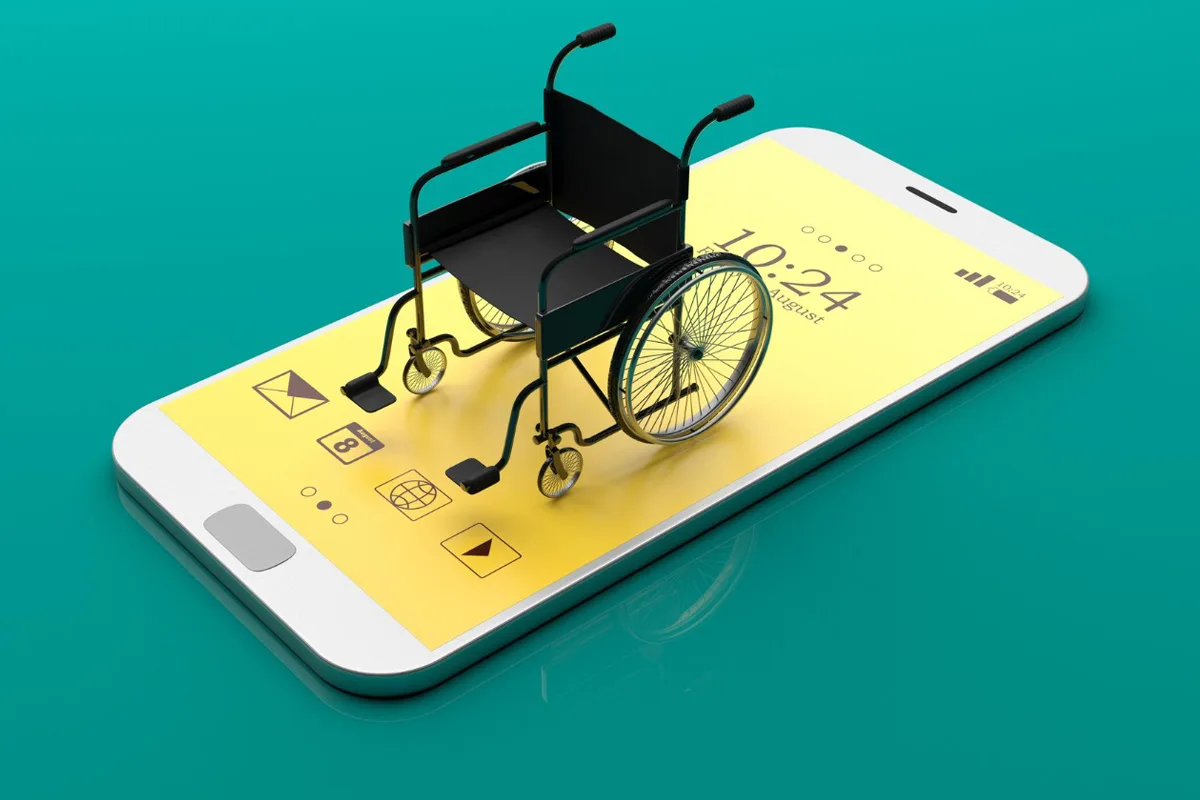
Mobile app accessibility is vital for creating inclusive digital experiences. Accessible apps empower users of all abilities to engage seamlessly, ensuring equity, compliance, and improved usability. By prioritizing accessibility, developers not only meet standards but also expand reach, enhance satisfaction, and build stronger brand trust in today’s competitive mobile-first world.
Why mobile app accessibility matters

Mobile app accessibility is about more than compliance - it is about equity. When apps are inaccessible, users may struggle to perform basic tasks such as reading content, navigating menus, or completing transactions. This exclusion can lead to frustration, abandonment of the app, and negative brand perception.
From a business perspective, accessible apps reach a wider audience, improve customer loyalty, and reduce the risk of legal challenges. More than a billion individuals experience disability, according to the WHO. Designing with accessibility in mind ensures that this significant demographic is not left behind.
Key mobile app accessibility standards

Several international standards guide mobile app accessibility. Understanding and applying these frameworks is essential for compliance and usability.
- WCAG (Web Content Accessibility Guidelines): Although originally designed for web content, WCAG principles apply equally to mobile apps. They emphasize perceivability, operability, understandability, and robustness.
- ADA (Americans with Disabilities Act): In the United States, ADA compliance requires digital products to be accessible to individuals with disabilities.
- Section 508 (Rehabilitation Act): Federal agencies and contractors must ensure electronic and information technology is accessible.
- EN 301 549 (European Standard): This standard specifies accessibility requirements for ICT products and services in Europe.
These standards provide a framework for developers to ensure apps meet legal and ethical obligations.
Best Approaches to Mobile App Accessibility

- Inclusive Design from the Start: Accessibility should not be an afterthought. Integrating inclusive design principles during the planning and development stages ensures accessibility is accounted for in the app’s foundation. This approach reduces retrofitting costs and creates a smoother user experience.
- Color Contrast and Readability: Users with visual impairments, including color blindness, rely on a strong contrast between text and background. Following the WCAG guidelines, text should have a minimum contrast ratio of 4.5:1. Avoid relying solely on color to convey information; use icons, labels, or patterns to reinforce meaning.
- Touch Targets and Gestures: Mobile users interact through touch, so buttons and interactive elements must be large enough to tap easily. The recommended minimum size is 44x44 pixels. Apps should provide alternatives to complex gestures, such as swiping or pinching, which may be difficult for users with motor impairments.
- Screen Reader Compatibility: Screen readers like VoiceOver (iOS) and TalkBack (Android) are essential for users with visual impairments. Developers should ensure that all interactive elements have descriptive labels, images include alt text, and navigation flows logically. Testing with screen readers is critical to identify gaps.
- Accessible Typography: Readable fonts, adequate spacing, and scalable text sizes improve accessibility. Users should be able to adjust text size without breaking the app’s layout. Sans-serif fonts are generally easier to read on screens, and line spacing should be at least 1.5 for clarity.
- Keyboard Navigation and Switch Control: Some users rely on external keyboards or switch devices to navigate apps. Ensuring that all interactive elements are accessible via keyboard navigation enhances usability for individuals with motor impairments.
- Audio and Video Accessibility: Captions and transcripts are crucial for the hard of hearing. Apps that include multimedia should provide synchronized captions and descriptive transcripts. Audio cues should be supplemented with visual indicators to ensure inclusivity.
- Cognitive Accessibility: Designing for cognitive accessibility means simplifying navigation, avoiding clutter, and providing simple instructions. Features such as consistent layouts, error prevention, and easy-to-understand language help users with cognitive challenges engage effectively.
- Multilingual and Localized Accessibility: Accessibility extends beyond disabilities to include language barriers. Offering multilingual support and ensuring that localized versions of the app maintain accessibility features broadens inclusivity.
- Regular Accessibility Testing: Mobile app accessibility is not a one-time task. Continuous testing with automated tools and real users ensures ongoing compliance and usability. Tools like Axe, Lighthouse, and WAVE can identify technical issues, while user testing provides valuable insights into real-world challenges.
By applying these principles, you enhance mobile app accessibility, improve app-store visibility, and create inclusive digital spaces where every user feels valued.
Accessibility as a Competitive Advantage
Mobile app accessibility is not just compliance - it is competitive advantage. Companies that prioritize accessibility often see improved customer loyalty, positive brand perception, and increased market share. For example, apps that support screen readers or provide captions attract users who might otherwise be excluded.
Accessibility aligns with corporate social responsibility goals, demonstrating a commitment to inclusivity and equity. In an era where consumers value ethical practices, accessibility can differentiate a brand from its competitors.
Future Trends in Mobile App Accessibility
As technology develops, mobile app accessibility must adapt. Emerging trends include:
- AI-Powered Accessibility: Artificial intelligence can enhance accessibility by providing real-time captions, voice recognition, and personalized adjustments.
- Augmented Reality (AR) and Virtual Reality (VR): Ensuring accessibility in immersive environments is a growing challenge. Developers must consider how users with disabilities interact with AR/VR interfaces.
- Voice Interfaces: Voice-controlled navigation is becoming more common, offering new opportunities for accessibility.
- Accessibility in Agile Development: Incorporating accessibility into agile workflows ensures that inclusivity remains a priority throughout iterative development cycles.
Mobile App Accessibility Testing Checklist

- Select Testing Tools
- Identify accessibility testing tools suited to your app’s needs.
- Use tools like Axe, Lighthouse, or Accessibility Scanner for accurate evaluation.
- Apply Multiple Techniques
- Perform voice-enabled search tests.
- Check color contrast ratios against the WCAG standards.
- Test with screen readers (VoiceOver, TalkBack).
- Test Across Platforms
- Verify accessibility on iOS devices.
- Confirm consistent accessibility on Android devices.
- Ensure a uniform user experience across platforms.
- Consider Various Disabilities
- Test visual impairments (contrast, alt text, screen readers).
- Test for auditory impairments (captions, transcripts).
- Test for motor impairments (touch targets, keyboard navigation).
- Test for cognitive accessibility (clear layouts, simple language).
Mobile app accessibility: frequently asked questions
Does WCAG apply to native mobile apps?
Yes. WCAG is written for web content, but WCAG2ICT explains how each criterion applies to native software, and laws such as the European Accessibility Act, the ADA Title II rule and Section 508 expect apps to meet WCAG 2.1 AA. Apple’s and Google’s own guidelines add platform detail on top.
What is the minimum touch target size for mobile app accessibility?
WCAG 2.2 requires at least 24 by 24 CSS pixels (2.5.8) and recommends 44 by 44 (2.5.5, Level AAA); Apple asks for 44 by 44 points and Android for 48 by 48 dp. Use the platform figure, and keep space between adjacent targets.
Which tools test mobile app accessibility?
Accessibility Scanner on Android, the Accessibility Inspector in Xcode on iOS, axe DevTools Mobile, and the built-in screen readers - TalkBack and VoiceOver - used by hand. Automated tools find the label and contrast issues; only real screen reader use finds focus order and gesture problems.
How is mobile app accessibility different from website accessibility?
Gestures, small screens, motion, device orientation and offline states add requirements, and there is no browser to fall back on: every control must carry its own accessible name, role and state. Testing must happen on real devices, not only in simulators.
Where can I see mobile app accessibility testing in practice?
Our web accessibility case study shows the audit approach we also apply to apps: automated scan, keyboard and switch testing, then VoiceOver and TalkBack sessions on real devices.
✅ Conclusion
Mobile app accessibility is essential, not optional. By following the WCAG, ADA, and EN 301 549 standards and applying best practices like inclusive design, screen reader support, and cognitive accessibility, developers create apps for everyone. At Ananyoo, we believe accessible apps foster inclusivity, expand market reach, and strengthen brand reputation-designing for accessibility means designing for humanity.
Learn more at ananyoo.com.
