

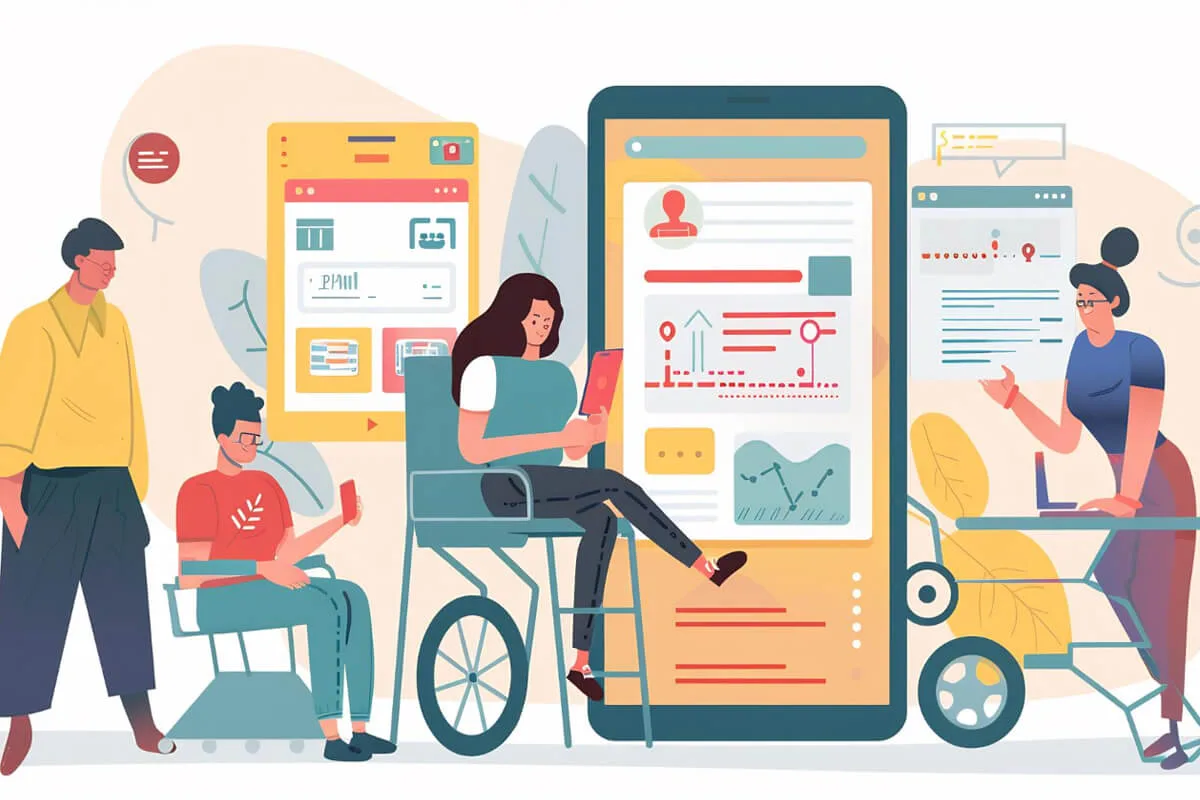
Social media connects billions of people daily, but without accessibility, many users face barriers to participation. Accessible social media content ensures inclusivity for people with diverse abilities, improving engagement, trust, and compliance. By embracing accessible social media practices, brands and creators expand their reach, strengthen their reputation, and build communities where everyone participates equally. Accessibility is not optional-it’s essential.
Why Accessible Social Media Matters
- Global reach: Over 1.3 billion people worldwide live with disabilities.
- Legal compliance: Accessibility standards like WCAG apply to digital communication.
- Business advantage: Inclusive content improves SEO and engagement.
- Ethical responsibility: Accessibility ensures equity and representation.

Core Principles of Accessible Social Media Content
Creating accessible social media content is about designing posts everyone can understand and engage with. By following these six principles, brands and creators can make their communication inclusive, effective, and impactful.
- Clear and Inclusive Language
Use plain language and avoid jargon. Replace complex terms with simple alternatives so posts are easy to read. Respect diverse groups by being culturally aware of your tone. - Alt Text for Images
Alt text offers written descriptions of images that can be read aloud by screen readers. Keep it concise yet descriptive, focusing on essential elements. Avoid repeating information already in captions. - Captions and Transcripts for Video
Videos should include accurate, synchronized captions. Provide transcripts for audio content and describe non-speech sounds like [music] or [laughter] to ensure full accessibility. - Colour Contrast and Visual Design
Maintain strong contrast between text and background. Don’t rely solely on colour to convey meaning-use icons or labels. Choose accessible fonts, such as sans serif, for clarity. - Accessible Hashtags and Emojis
Write hashtags in CamelCase (#AccessibleSocialMedia) so screen readers pronounce each word. Use emojis sparingly, placing them at the end of sentences. Avoid long sequences that may interfere with screen readers. - Descriptive Links
Use meaningful link text like “Read our accessibility guide” instead of vague phrases such as “Click here.” Ensure shortened URLs remain clear and trustworthy.
By applying these principles, you build accessible social media channels, improve SEO, and create inclusive digital spaces where every user feels valued.
Platform-Specific Accessible Social Media Tips
Every platform hides its accessibility settings in a different place. Here is where to find them and what to do for accessible social media on each one.
- Add alt text to images using the built-in editor.
- Use captions for Facebook Live via third-party tools.
- Avoid posting text as images-screen readers cannot interpret them.
- Provide alt text for photos in “Advanced Settings.”
- Use CamelCase hashtags for readability.
- Add image descriptions in captions for additional clarity.
X (Twitter)
- Enable the “compose image descriptions” feature.
- Keep tweets concise and avoid excessive abbreviations.
- Use accessible GIFs with descriptive captions.
- Add alt text to images in posts.
- Provide transcripts for LinkedIn Live sessions.
- Use professional, inclusive language that resonates across industries.
TikTok
- Add captions using the TikTok auto-caption feature.
- Avoid flashing effects or strobe filters.
- Provide context in video descriptions for users with hearing impairments.
YouTube
- Upload accurate captions or edit auto-generated ones.
- Provide transcripts in the description box.
- Use high-contrast thumbnails with clear text.
Benefits of Accessible Social Media Content

- Wider Audience Reach
- Accessibility opens your content to over 1.3 billion people worldwide living with disabilities.
- Inclusive posts ensure no one is excluded from engaging with your brand.
- Improved SEO Performance
- Alt text, transcripts, and clear formatting enhance discoverability in search engines.
- Accessible content ranks higher and attracts organic traffic.
- Enhanced Brand Reputation
- Demonstrates a commitment to inclusivity and social responsibility.
- Builds trust and loyalty among diverse audiences.
- Higher Engagement Rates
- Accessible posts encourage more likes, shares, and comments.
- Clear, inclusive communication resonates with broader communities.
- Legal and Ethical Compliance
- Meets global accessibility standards such as WCAG.
- Reduces the risk of penalties while upholding ethical responsibility.
Common Accessible Social Media Mistakes to Avoid
- Posting text as images without descriptions
- Screen readers cannot interpret text embedded in graphics.
- Without alt text or captions, users with visual impairments miss the message.
- Using auto-generated captions without reviewing accuracy
- Automated captions often misinterpret speech or miss context.
- Inaccurate captions confuse viewers and reduce accessibility.
- Overusing emojis or decorative symbols
- Long strings of emojis disrupt screen reader flow.
- Excessive symbols make posts harder to understand and less professional.
- Ignoring color contrast in branded visuals
- Low contrast between text and background reduces readability.
- Users with low vision or color blindness struggle to engage with content.
- Forgetting to test posts with accessibility tools
- Issues go unnoticed without checks using screen readers or contrast analyzers.
- Simple testing ensures posts are inclusive before publishing.
Testing and Tools for Accessible Social Media
Ensuring Accessible Social Media Content requires more than good intentions-it demands testing with the right tools. Accessibility testing helps identify barriers before content goes live, making posts inclusive for all users.
- Screen Readers
Tools like NVDA, JAWS, and VoiceOver simulate how visually impaired users experience content. Testing with these ensures alt text, captions, and navigation are effective. - Contrast Checkers
Colour contrast is critical for readability. Free tools such as the WebAIM Contrast Checker allow creators to test text and background combinations, ensuring compliance with accessibility standards. - Captioning and Transcription Tools
Platforms like Rev, Otter.ai, and Kapwing help generate accurate captions and transcripts for video or audio posts. Reviewing these outputs ensures clarity and inclusivity. - Accessibility Checklists
Quick guides, such as those from Accessible Social, provide step-by-step reminders for alt text, hashtags, emojis, and link descriptions. - Platform Testing Features
Many social platforms now include built-in accessibility options, such as alt text editors or auto-caption tools. Testing these features ensures posts meet diverse needs.
By combining these tools with regular testing, creators strengthen accessible social media practices, improve engagement, and build trust with audiences who value inclusivity.
Accessible Social Media: Frequently Asked Questions
What is accessible social media?
Accessible social media means posts, images, videos and stories that people with disabilities can perceive and take part in - alt text for blind followers, captions for deaf followers, plain language for people with cognitive disabilities and good contrast for low vision. It uses each platform’s own features first, so nobody needs a special tool to follow you.
How do I write alt text for accessible social media posts?
Describe what matters in one or two sentences: who is in the picture, what they are doing and any text shown in the image. Skip “image of”, include the joke if the picture is funny, and name the product if the post is selling something. Every major platform now has an alt text field, so use it instead of leaving the auto-generated description in place.
Are captions required for accessible social media videos?
Yes - captions are the single most important step. A large share of social video is watched with the sound off, so captions help everyone, not just deaf and hard-of-hearing viewers. Upload or correct captions rather than trusting auto-captions, and add a transcript in the description for longer videos. Our audio and video accessibility guide explains how.
Do accessibility laws apply to accessible social media?
Public bodies in the EU and the US are expected to make their official social channels accessible, and brands are increasingly held to the same standard under the ADA and the European Accessibility Act because social posts are part of the customer journey. Beyond the law, accessible social media protects your reputation: an inaccessible campaign is exactly the kind of thing that gets screenshotted and shared.
Which tools help with accessible social media?
Use the platform’s built-in alt text and caption editors first, then a contrast checker for branded graphics, a screen reader (NVDA, VoiceOver or TalkBack) to listen to a draft post, and a quick CamelCase check on every hashtag. Follow our web accessibility audit checklist for the website your posts link to, because a link to an inaccessible page undoes the good work.
How do I get my team to publish accessible social media consistently?
Write a one-page checklist - alt text added, captions checked, hashtags in CamelCase, contrast tested, no text-only images - and make it part of the scheduling tool template so nothing goes out without it. Run a short training session with a screen reader demo; once people hear a post read aloud, accessible social media stops feeling like extra work and starts feeling like good writing. Review one week of posts every quarter and share the wins.
✅ Conclusion
Accessible social media is essential for building inclusive communities where everyone can participate freely. By embracing thoughtful practices, brands strengthen trust and deepen engagement with diverse audiences. This approach reflects clarity, respect, and responsibility in communication. Ananyoo - with a DHS Trusted Tester and IAAP-certified colleagues on the team - guides organizations in creating accessible social media content that removes barriers and fosters genuine connection. With accessibility at the heart, communication transforms into collaboration, and collaboration grows into a lasting community where every voice is valued and empowered.
Accessible social media works best when it links to an accessible website. See our web accessibility case study, our guide to audio and video accessibility, our post on accessible web content, and our accessibility-ready themes and WordPress accessibility plugins. Learn more at ananyoo.com.
